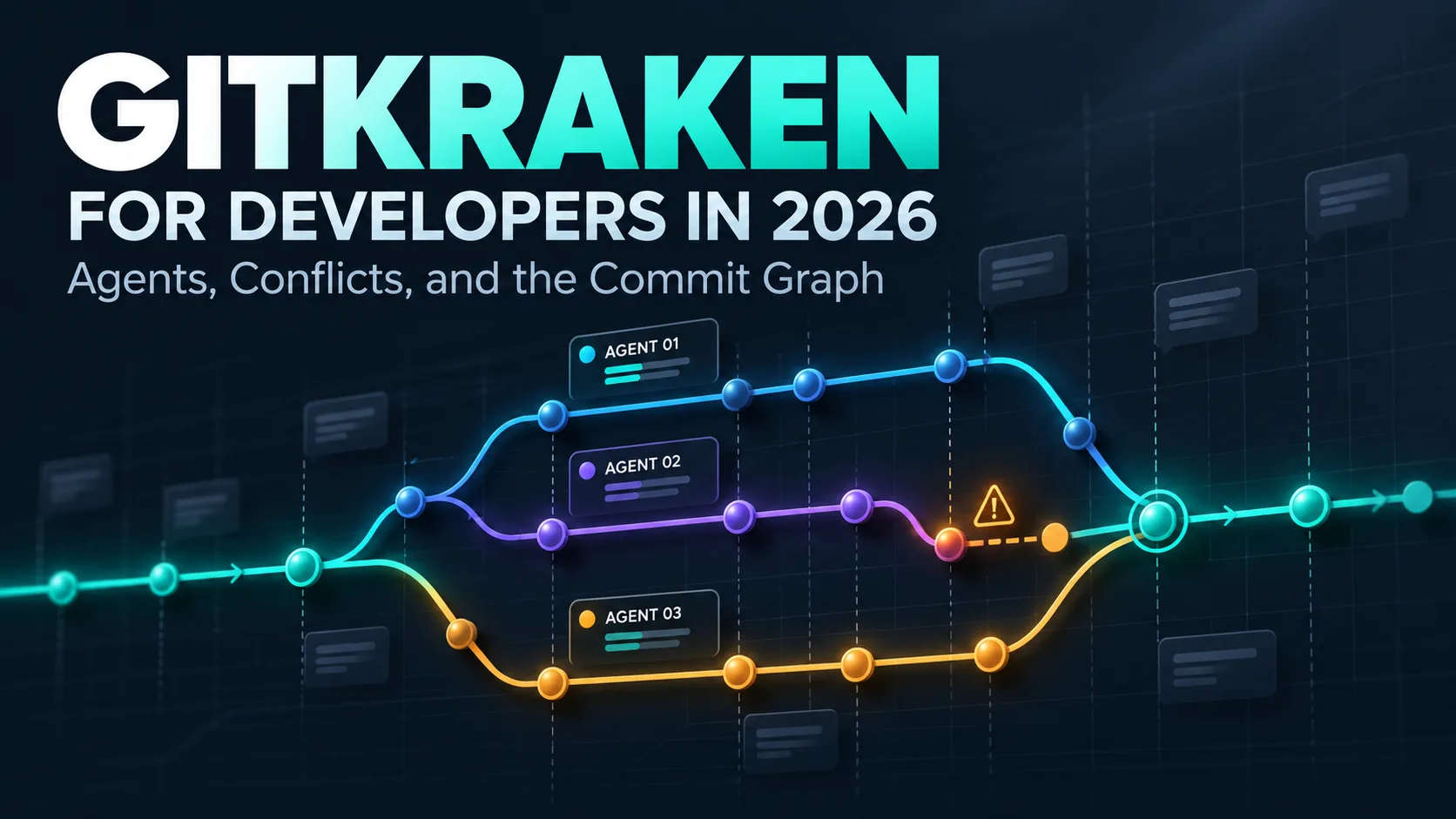
A few years ago, my working day in Git had a simple shape. Write code, commit, push, open a pull request, fix the one conflict a week, repeat. The commit graph in GitKraken Desktop was the thing I looked at in the morning to see what the team had done, and then it faded into the background. The code was the work.
That shape is gone. On a typical day now, I'm not the only one writing code in my repositories. A coding agent is working on a bug fix in one branch while I review what another agent did to the data layer yesterday, and a teammate's pull request is heading for the same header component that one of those agents is touching. The typing got cheap. Keeping track of what was typed, by whom, into which branch, and whether it collides with anything else became the actual job. I argued this in June when GitKraken rebranded itself as the Code Flow company, and four months of agent-heavy work later, I believe it more, not less.
So in this post, we walk through one working day in GitKraken Desktop as it looks in late 2026. The day is a composite -- the Los Pollos Hermanos repository from my two recent posts, with the agents and the teammate's pull request arranged so that every stop happens once -- but each feature behaves as the documentation and my own use say it does. Not a feature list, but the sequence as it happens: agents started into worktrees and watched on the graph, their output composed into commits a human can review, a conflict resolved with AI and then checked, and the conflict that never became one because the tool warned me first. Each stop links to a deeper post where I already took one feature apart. Where I think GitKraken's AI should be trusted, I'll say so, and where I think it must not be trusted unread, I'll say that too.
Full disclosure before we start: I'm a GitKraken Ambassador. That buys me early looks at features, not a reason to skip the parts that didn't convince me.
Morning: three agents, three worktrees, one graph
Let's start where most of my days start now, with work being delegated rather than done. A Git worktree is a second working directory attached to the same repository, checked out on its own branch, so that two things can happen in the same repository at the same time without stepping on each other. Git has shipped it since version 2.5 in July 2015. Honestly, cross my heart, I had used it maybe twice before 2026. The command is fine. The reason nobody bothered was that a human can only type into one directory at a time anyway.
Coding agents changed that overnight. An agent like Claude Code or Codex CLI is perfectly happy to work in its own directory for twenty minutes, and the moment you run two of them in the same checkout, they overwrite each other's files. Worktrees are the obvious fix, and they're also tedious to set up by hand: create the branch, create the directory, install dependencies, start the agent, remember to clean up afterwards. Since GitKraken Desktop 12.0 in April 2026, that is one action. "New Agent Session" creates the worktree, runs the setup commands you configured, and launches the agent of your choice; the release supported Claude Code, Codex CLI, Copilot CLI, Gemini CLI, and OpenCode, and the release notes added Cursor CLI in 12.5. When the work is merged, one click removes the worktree and, since 12.1, the branch with it.
The part that matters to me is not the launching. It's what the commit graph does with it. Since 12.3, the graph shows a separate work-in-progress node for every worktree that has uncommitted changes or a running agent session, and since 12.6.1, each of those rows names the branch the worktree is on. The following diagram shows what that looks like in spirit, with three agents on three branches and me on main.
Read the diagram from left to right. The graph on the left is plain Git: main, three branches, and three dashed work-in-progress nodes that are not commits yet. The cards on the right are the Agent Sessions panel, which reports what each agent is doing, and since 12.4 it also shows an agent's permission request inline with allow and deny actions. The point is that the two halves are the same picture. "Running · ahead 1" on the card and the dashed node on feat/menu-prices describe the same state, so when the card says an agent is waiting for input, I can see on the graph what it has produced so far before I answer it.
Thus, the first thing GitKraken gives me in the morning is not a Git operation at all. It's the ability to look at one screen and know which of the three streams of work is furthest along, which one has drifted from main, and which one wants to run pnpm test and is waiting for my permission. In my opinion, this is the single biggest change in what a Git client is for. In 2024, the graph showed me history. In 2026, it shows me the present.
Late morning: turning an agent's pile of changes into commits
Now comes the part of agent-driven work that I think gets too little attention. The agent on refactor/orders-db finishes, and I'm looking at nineteen changed files in one working directory. Agents are fast, but they're not good at stopping to commit. Left alone, they produce one commit called "Refactor orders database layer" that touches a schema, three API routes, two components, and a test helper, or, worse, no commit at all and a wall of uncommitted changes. I wrote a whole love letter to bad commit messages, and agents have added a new genre: messages that are grammatically perfect and describe twelve unrelated things at once.
Commit Composer is GitKraken's answer, and it's the AI feature I use most. You stage the changes, click "Compose Commit with AI", and the tool proposes a set of commits, each with the files and hunks it thinks belong together and a message for each. Nothing happens to the branch until you click "Create commits". In between, you can reorder the proposed commits, squash two of them, edit messages, inspect the diff of every proposed commit, or reset the whole proposal and start again. The same tool works backwards, too: select a contiguous range of existing commits on the current branch and "Recompose Commits with AI" regroups them, with the restriction that the range can't contain merge commits.
The workflow for an agent's output looks like this.
The diagram's middle box is where you spend your time, and the bold line at its bottom is the property I care about: the proposal is a draft, not a commit. The 12.5 release notes added three details that make this usable on real agent output rather than demos. The AI output is validated and retried automatically instead of failing when the model returns something malformed; lockfiles are excluded from the token budget, so a pnpm-lock.yaml with a thousand changed lines no longer eats the request; and recomposed commits keep their original authors, with co-authors added when one commit combines several people's work. That last one matters more than it sounds. If I recompose a branch that a teammate and an agent both touched, the history still says who did what.
I'd scope my enthusiasm, though. Commit Composer is still marked Preview in the documentation, and it groups by what the diff looks like, not by what you intended. On a refactor like the orders one, expect it to put the migration and the API change into one commit when they touch the same type definitions. That's a defensible grouping and the opposite of how I'd want to review it, so I split them. The tool makes that a ten-second edit instead of a ten-minute git add -p session, and that is the honest size of the win: it doesn't know your review culture, but it makes applying it cheap.
Early afternoon: the conflict, resolved by AI and then by me
Let's move on to the moment every team developer knows. The Codex agent's branch feat/menu-prices is ready, but a teammate's pull request landed on main an hour ago and touched the same header. I took one real conflict of exactly this kind apart hunk by hunk earlier this month, so here I'll stay with how the AI fits into the day rather than repeat the resolution.
GitKraken's merge tool shows the two sides at the top and the output at the bottom, and you pick hunks with checkboxes or edit the output directly. Since version 11.2, the "Auto-resolve with AI" button fills the output with a proposed resolution, a written explanation of why it chose what it chose, and a confidence level for each conflicted hunk. You then accept, edit, or discard. The feature is still marked Preview in the documentation, requires a paid plan, and a fix in 12.6 made it work with the newest Claude models when you bring your own Anthropic key.
What I've learned over a few months of using it is that the confidence number means something specific, and it isn't "how right the merge is." In the header conflict, the AI kept both import blocks and both menu links at 100% and merged two different sets of Tailwind classes on the <nav> at 94%. All three were correct Git merges. It also decided, at 100% confidence, that the "Order online" link belongs before "Locations", because that is "typical primary-action ordering." That's a product decision, and no model reads the product owner's mind. The number tells you how confident the model is that it combined the two texts well. It says nothing about whether the combined text is what the two humans meant.
My rule, then, is simple and I'll defend it: AI resolution is the first draft for every conflict, and the confidence levels tell me where to read first, not where to stop reading. Imports, lists, and lockfiles are busywork I hand off happily. Anything where the two sides changed behavior, such as a condition, a default, a guard, or the order of operations, gets read by a human who knows what both authors wanted, regardless of what the number says. A 94% on a className string is a hint. A 94% on an if is an invitation to look very closely.
Mid-afternoon: the conflict that never happened
The best conflict is the one you resolve before Git ever sees it, and this is where a client that talks to a service beats a plain Git installation. Since GitKraken Desktop 10.8 in March 2025, the toolbar shows a warning icon when your branch has conflicts with its target branch, and, for organizations, when a teammate's unmerged branch overlaps with yours. Click it and you get the list of conflicting branches and the useful actions: rebase or merge now, push your changes, share them as a Cloud Patch so the other person can look, or copy a summary of the overlap to paste into a chat. The Team View goes one step earlier and marks a file when you and a teammate both have uncommitted changes in it; the documentation lists that as an Advanced-tier feature.
The timeline makes the argument better than I can. Plain Git tells you about a conflict at the rightmost point, when both pieces of work are finished and someone has to redo part of theirs. The two GitKraken features move the warning to the left, to the moment when the cheapest fix is a thirty-second conversation: "I'm in the header too, can you take the nav and I'll take the logo?" In our composite day, the Conflict Prevention icon lights up while the Codex agent is still working on the menu prices. I push its branch, send my teammate the overlap summary, and they rebase their pull request before mine is even ready. Git never sees a conflict.
In fairness, this is the feature that depends on everyone being on GitKraken. The target-branch check works alone, but the teammate overlap needs the team on an organization plan with the client installed, and that's a legitimate reason for a mixed team to shrug at it. The habit it builds, however, is free: pull main into long-running branches early and often, and tell people when you're about to touch a shared file. The tool automates the telling.
Evening: reading the day on the graph
Before I close the laptop, I do what I've done since my first post on the graph a year ago, except that the graph now has more to say. Three worktrees are gone, their branches merged and deleted from the graph's context menu. The pull request pills on the toolbar and on the commit details show which of today's branches already merged, which saves the "is this one done?" question that used to cost me a trip to GitHub. Since 12.6, selecting a run of consecutive commits shows their combined diff in the right panel, so the four commits Commit Composer made out of the orders refactor can be read as one change when that's the better view, and as four when it isn't.
And when something looks wrong, the graph is still where I start. The forensics post walked through four classic mistakes a new teammate left on a remote, and every one of them was visible on the graph before it was understandable in a log. The 2026 difference is that the suspect might be an agent. An agent that branched from the wrong base, or committed to a branch that already merged, leaves exactly the same shapes a human does. The graph doesn't care who made the commit. That is, more or less, the whole point.
The Bottom Line
The job of a Git client changed when the typing got cheap. In my view, GitKraken Desktop's best feature in 2026 is not any single AI button; it's that the commit graph has become the one place where the present state of three agents, two teammates, and my own branch is visible at once, and that the AI features hang off that picture instead of replacing it. Agent sessions put every worktree on the graph. Commit Composer turns a pile of agent output into commits a reviewer can read, with the authors intact. AI conflict resolution writes a first draft and tells you how sure it is, which is useful exactly as long as you remember what it's sure about. Conflict detection moves the warning to the one moment it's cheap to act on.
Every one of those is in Preview, behind a paid plan, or dependent on the team using the same tool, and I've said so at each stop. The open-source route through worktrees, lazygit, VS Code's merge editor, and rerere covers the same ground with more steps. If your repositories see one agent a week, those steps are fine. If they see three a day, the integration is what I'd pay for.
In 2024, the commit graph showed me the past. In 2026, it shows me the present, and the present has more authors than it used to.
A post on the agent side of this picture is on my list: what the GitKraken MCP server lets an agent ask about a repository, and where I think an agent should still have to ask me.